
Update your account details like name, email address, phone number or address, anytime by following these steps:
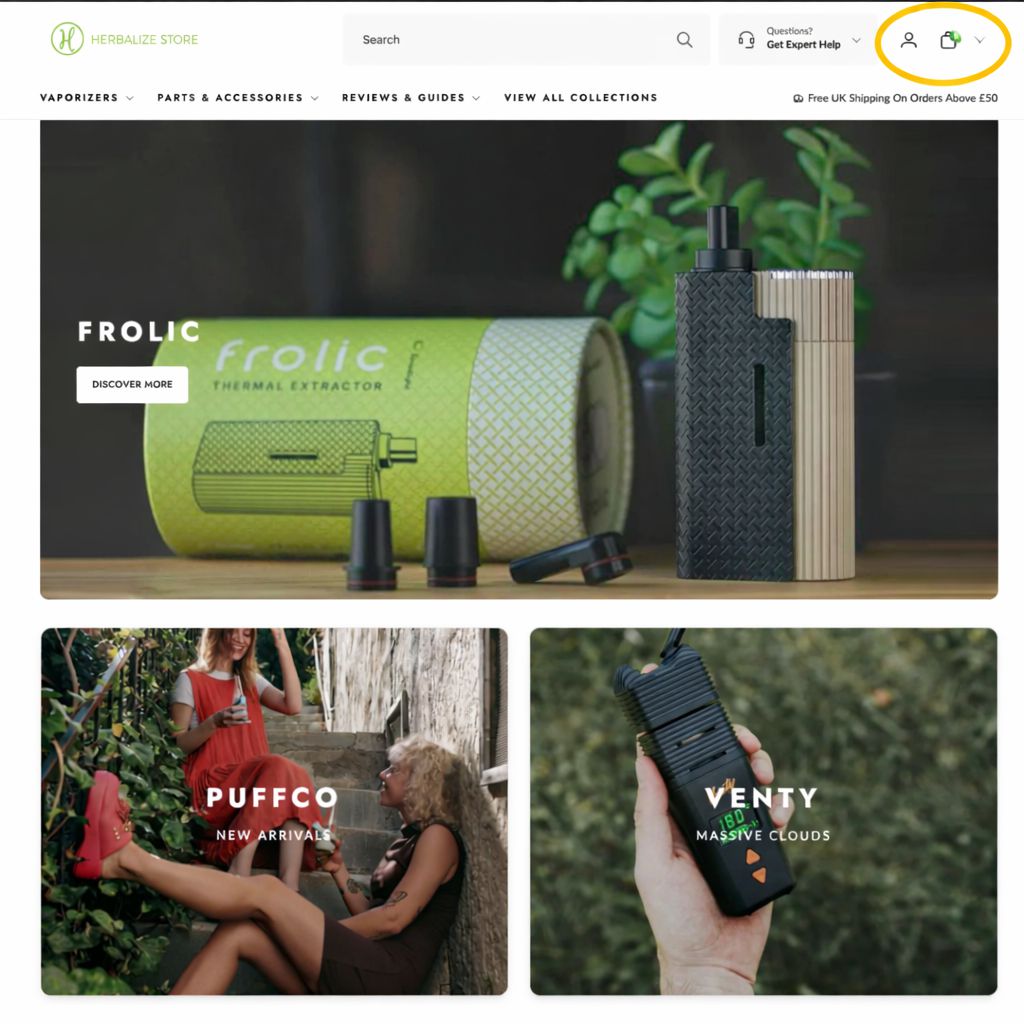
Click the profile icon in the top right corner of the website.
Enter your email address to log in.
A one-time login code will be sent to your email.
Enter the code to access your account.
Go to your Profile / Account Details section.
Edit the information you would like to update.
Save your changes.
You may be asked to verify certain updates, such as a change to your email address, via a confirmation email before continuing to use your account.